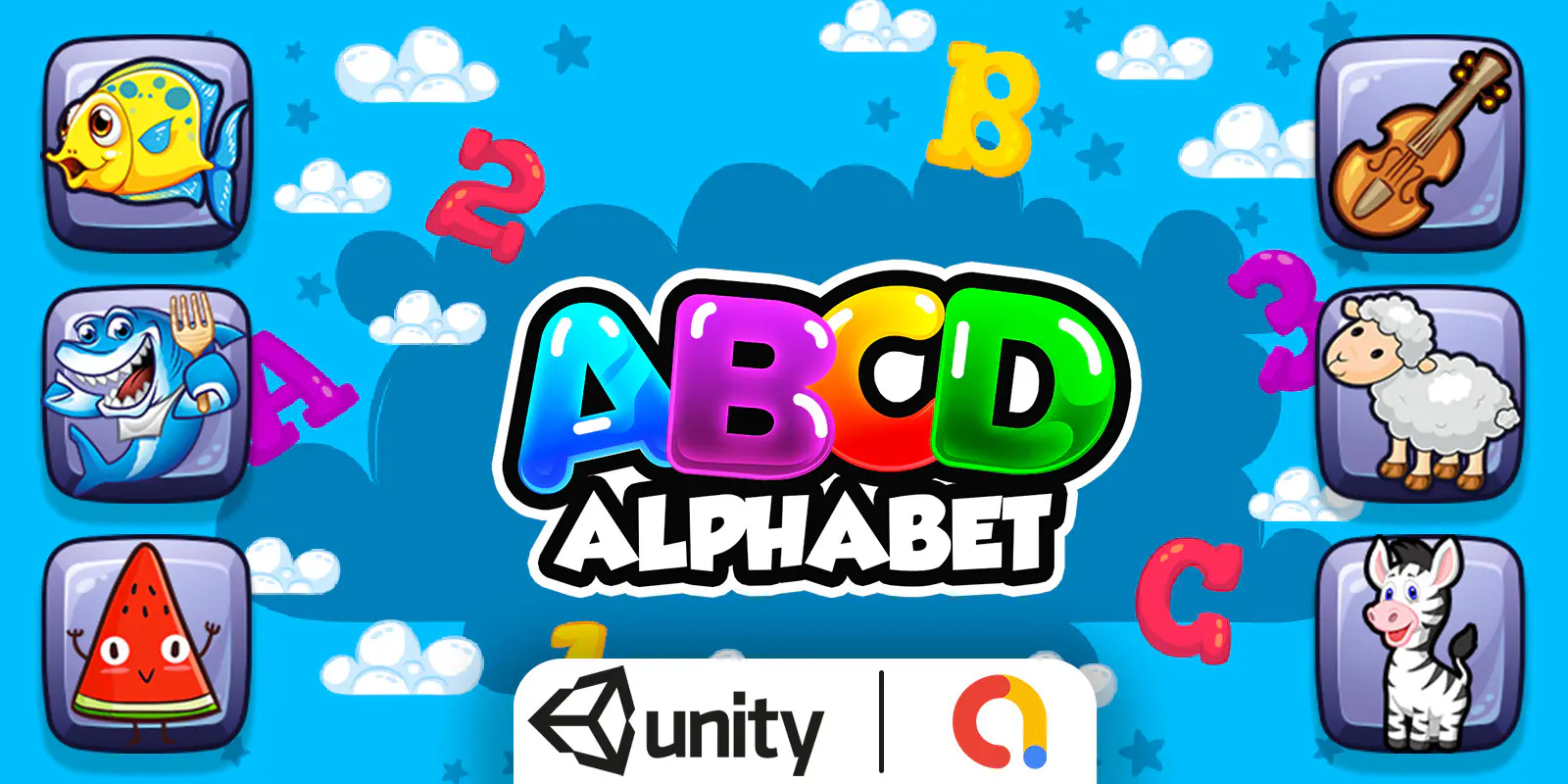
Designed for toddlers and young kids, ABC Fun Learning makes early education exciting with colorful tracing activities, engaging letter sounds, and a playful approach to learning the alphabet. Watch as your child develops fine motor skills while discovering letters, sounds, and basic writing—all while having a blast!
✅ Interactive Tracing – Smooth, satisfying letter and line tracing for little fingers.
✅ Phonics Learning – Clear English pronunciation for each letter to boost early reading skills.
✅ Kid-Friendly Design – Bright, cheerful visuals to keep toddlers engaged.
✅ Ad-Supported & Easy to Customize – Ready for monetization with Admob, Unity Ads, and AppLovin.
📚 Alphabet Tracing – Learn uppercase and lowercase letters step by step.
🎨 Fun & Rewarding Gameplay – Encourages kids to keep practicing.
📱 Multiplatform Support – Works on Android & iOS (phones & tablets).
💰 Easy Ad Integration – Supports Banner & Interstitial Ads (Admob, Unity Ads, AppLovin).
🔄 Quick Reskin Option – Change colors, sounds, and graphics effortlessly.
🚀 Ready to Publish – Fully tested and optimized for a smooth launch.
✔ Complete Unity Project (2021.3.6f1)
✔ Full Documentation – Step-by-step reskin & customization guide.
✔ Easy Settings Adjustment – Modify game speed, difficulty, and more in just a few clicks.
Unity 2021.3.6f1 (or compatible version)
🛠 Reskin in Minutes – Swap graphics, sounds, and fonts with simple file replacements.
⚙ Adjust Game Settings – Fine-tune gameplay via easy-to-edit config files.
📊 Set Up Ads Instantly – Just plug in your ad IDs—no coding needed!
We’re here to help! Contact us for any questions, customization tips, or suggestions.
❤ Enjoy the app? Leave a review and share it with other parents!
Download now and give your child a head start in learning!
ABCD Alphabet is an educational game that helps young children learn letters through simple, playful interactions. It can be adapted to numbers, shapes, animals or another language. This guide walks you through opening the Unity project, replacing the artwork and audio, tuning the gameplay, adding your own ad IDs and building a release for Google Play and the App Store.
Extract the download, open Unity Hub, choose Add project from disk and select the project folder. Open it with the recommended Unity version and wait for the first import to finish. Open the main or menu scene and press Play to confirm everything works before you change anything. Keep an untouched copy of the original download so you can always compare or start over.
Decide on a theme that suits this educational kids game and your target players. Write a list of every asset you will replace and note the size of each original image, so your new art fits without adjusting colliders or layouts. A consistent art style across characters, backgrounds and UI makes the finished game look professional.
For a educational kids game, focus on these assets:
Keep the same image dimensions and pivot points where possible. In Unity, check each texture's import settings (sprite mode, pixels per unit, compression) and use Sprite Atlases to keep the build light.
Swap the background music and sound effects with audio you created or licensed for commercial use. Keep files compressed and short, and test volume levels on a real phone.
Small gameplay changes make your release feel original and help it pass store review. Consider adjusting:
Play the first few levels yourself and make them easy, then increase the challenge gradually.
Find the ads manager script or settings object and replace the ad IDs with your own AdMob (or other network) App ID and ad unit IDs. If the project uses the Google Mobile Ads plugin, enter your App IDs in Assets > Google Mobile Ads > Settings. Test with test ads before switching to live IDs. If in-app purchases are included, create matching product IDs in Google Play Console and App Store Connect. Never click your own live ads.
In File > Build Settings, switch to Android or iOS. In Player Settings, set your company name, product name, a unique package name, version, icons and splash settings, and the target API level Google Play currently requires. For Android, create and back up a keystore and build an Android App Bundle (AAB). For iOS, build to Xcode, sign with your team and archive. Test the release build on at least one older and one newer device before uploading.
Speak to parents: mention the age range, learning goals and how ads are handled. Follow the Google Play Families policy and Apple Kids category rules if you target children. Give the game a new, original name, icon and screenshots. Our free tools can help: the Game Name Generator, the Game Description Generator, the ASO Keyword Checker and the Privacy Policy Generator for the policy link both stores require.
For more detail, read our guides on reskinning a game and publishing on Google Play. Need help with this item? Contact our support team through the Contact page.
Published:
Apr 10, 2025 07:09 AM
Version:
v1
Category:
High Resolution:
YesTags: